Optimize a Page for Google
Optimize posts and pages using Yoast SEO plugin.
Procedure
Set metadata
1. Open post/page in editor
2. Scroll to Yoast SEO meta box
3. Click "Edit snippet"
4. Enter focus keyword
5. Write SEO title (~60 chars with keyword)
6. Write meta description (~155 chars with keyword)
7. Optional: Set custom social share images
Check readability
1. Look at the Readability tab
2. Aim for green smiley face
3. Fix issues: shorter paragraphs, more subheadings, simpler sentences
Set URL
1. Go to Settings > Permalinks
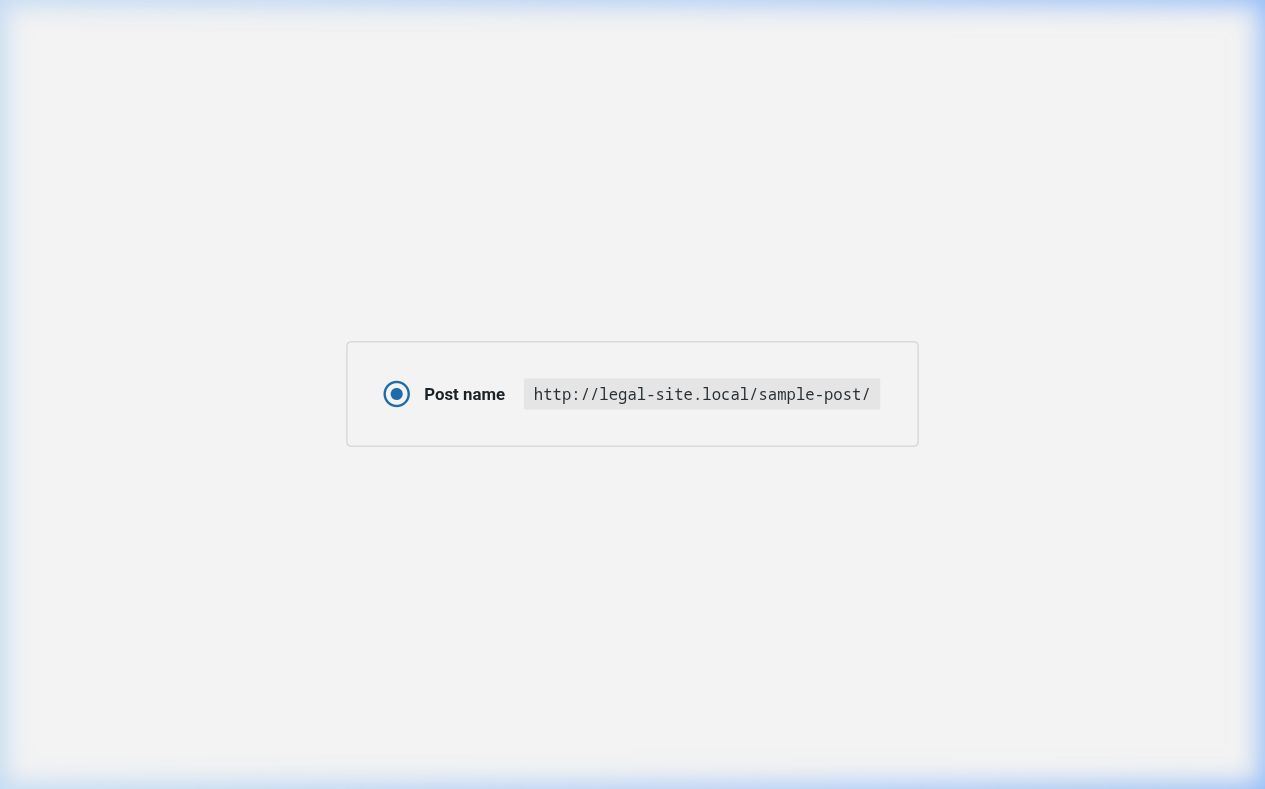
2. Select "Post name" structure
3. Verify URL slug contains keyword
4. Don't change after publishing
Final review
1. Get green bullets on all SEO items
2. Get green smiley on readability
3. Publish or update
Key Points
- Use focus keyword in title, URL, and throughout content
- Don't overstuff keywords
- Don't change URLs after publishing
tl;dr
Add focus keyword → Write title/description → Check readability → Get green lights → Publish.