Log In to WordPress
Log in to the WordPress admin panel.
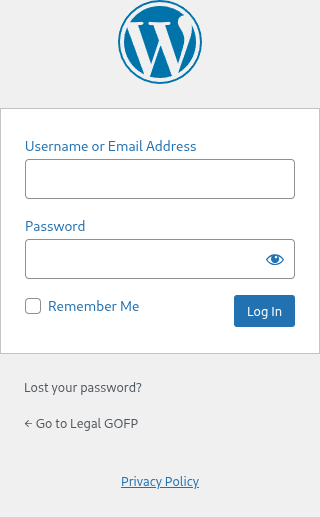
Procedure
1. Go to yoursite.com/wp-admin
2. Enter your username and password
3. Click Log In
4. You're in the dashboard
graph TD
    A[wp-admin] --> B[Login screen]
    B --> C[Enter username + password]
    C --> D[Click Log In]
    D --> E[Dashboard]
Troubleshooting
Can't log in?
- Check caps lock and extra spaces
- Click Lost your password? to reset
- Check your email for the reset link
- Set a new password and try again
Login page won't load?
- Contact support
Key Points
- Bookmark wp-admin for quick access
- Keep login details secure
tl;dr
Go to /wp-admin, enter credentials, click Log In.