Manage Comments on Your Posts
Moderate and manage comments on WordPress posts.
Procedure
Configure settings
1. Go to Settings > Discussion
2. Enable/disable comments on new posts
3. Set registration requirement
4. Add auto-moderation rules (hold certain words)
5. Enable comment notifications
6. Save
Moderate comments
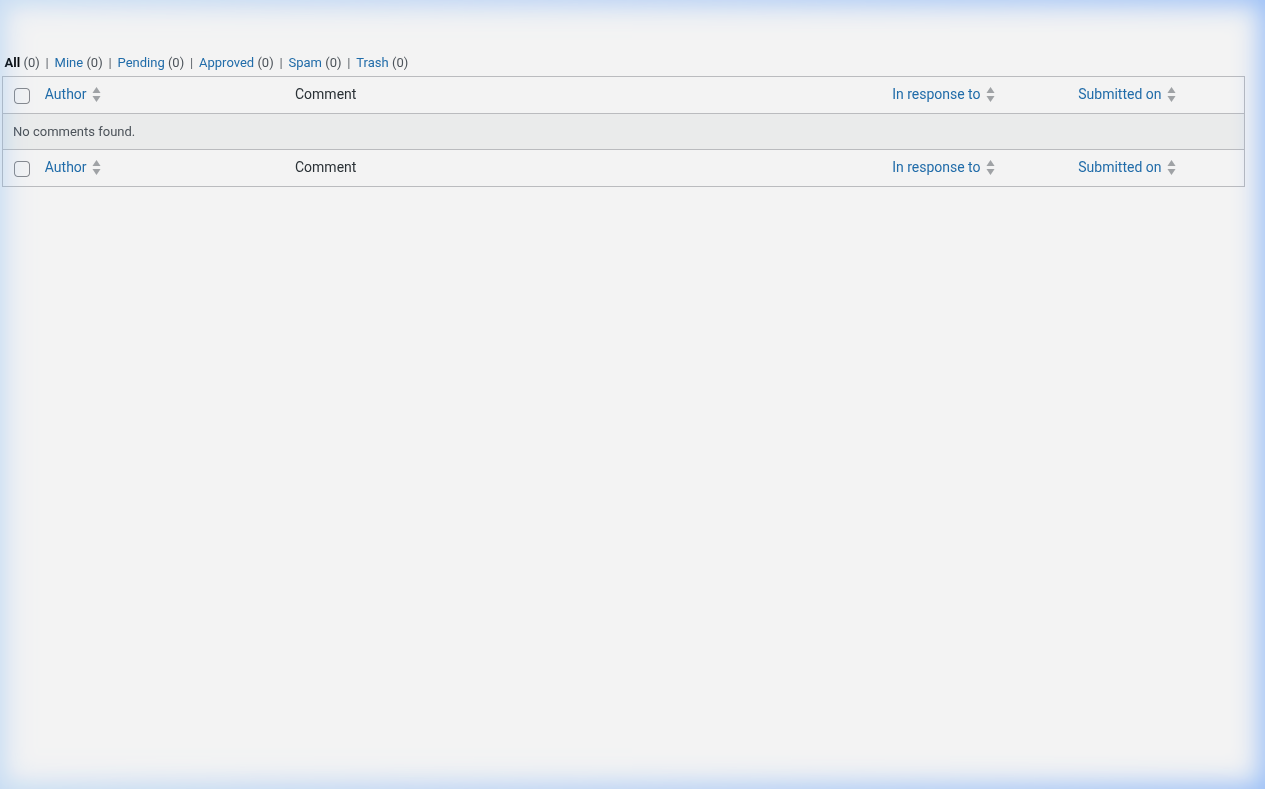
1. Go to Comments
2. Review each comment
3. Approve, delete, or mark as spam
4. Use Akismet for spam filtering
Respond
1. Reply to relevant comments
2. Address questions and concerns
3. Ask follow-up questions to encourage discussion
Enforce policy
1. Post comment policy (link in footer)
2. Watch for violations (spam, attacks, self-promotion)
3. Delete offending comments
4. Ban repeat offenders
Manage notifications
1. Adjust email notifications
2. Don't let them overwhelm you
Key Points
- Respond within 24 hours
- Be consistent with policy
- Use Akismet
tl;dr
Configure in Settings > Discussion. Moderate at Comments. Reply to engage. Delete spam.