Write a Blog Post
Create and optimize blog posts using Gutenberg editor.
Procedure
Create post
1. Go to Posts > Add New
2. Enter title
Add blocks
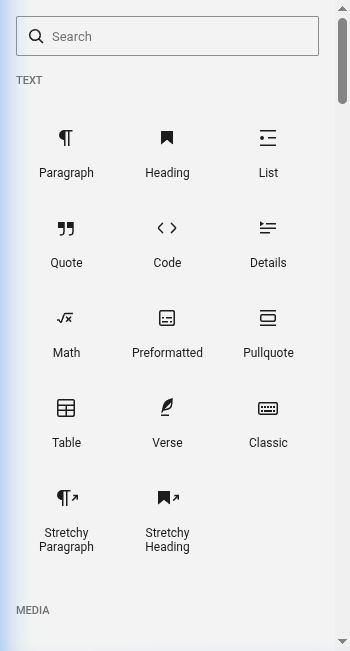
1. Click + to add blocks
2. Search or browse for block type
3. Click to insert
4. Repeat for structure
Add content
1. Click block and add text/images
2. Use toolbar for formatting
3. Adjust block settings in sidebar
Optimize images
1. Click image block
2. Use Crop tool
3. Add alt text (important!)
4. Adjust alignment
Preview
1. Click Preview button
2. Check in new tab
3. Fix issues
Publish
1. Click Save Draft
2. Submit for review or click Publish
Key Points
- Use headings to break up text
- Add alt text to all images
- Save drafts often
- Preview before publishing
tl;dr
Add New Post → Add blocks → Add content → Optimize images → Preview → Publish.